To purchase Shaderlight contact DynaSCAPE Sales: 1.800.710.1900
![]() |
![]() |
![]() |
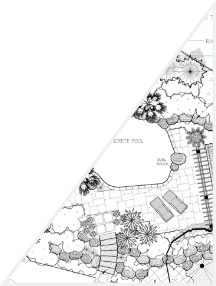
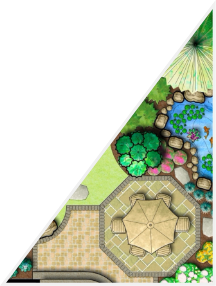
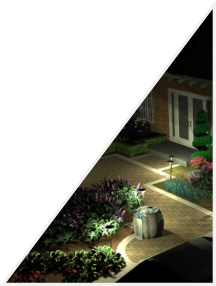
| SketchUp Screenshot | Shaderlight Render – evening | Shaderight Render – night time |
Use with Mac or Windows
How Shaderlight Works
Shaderlight is simple to use for the beginner and it has plenty of features and effects for the more advanced user. Its installs a 5 button toolbar in SketchUp, so it feels natural and fits seamlessly with your workflow.

Pick your Scenes
Before running Shaderlight your first step is to decide which angles of your finished model that you feel give the best view of your design ideas. Use SketchUp’s scenes so you can go back to the same angle quickly whenever you need to change something.
Start Shaderlight
Click on the camera icon to start the Shaderlight render process. It’s really that easy. Shaderlight has preset all the correct settings for SketchUp’s materials so you can start rendering without changing anything. You can watch the render develop right in front of your eyes. Save the image when the render is complete, and then select your next scene. No need to close Shaderlight – it’ll start the next render right away. You can make adjustments to your model or to the Shaderlight settings while it’s running!

Shadows
There are two ways to ensure shadows appear in Shaderlight. If your model is small you can turn shadows on in SketchUp but because SketchUp slows down a lot with shadows on larger models, you are better off choosing the Physical Sky option in Shaderlight settings.

Adjust Material Type, Finish and Bump
Shaderlight’s Material Editor lets you adjust the type of material, the finish and the amount of bump (relief) of your textures to make them look more life-like. For example, water textures can be made reflective and show a ripple effect.

Adjust Lighting, Time of Day
Adjust the time of day and time of year with SketchUp’s shadow settings to change how your render looks. You can do this while Shaderlight is running and watch it change.

Landscape Lighting
Shaderlight lets you create realistic night lighting scenes to show clients how their property will look with the landscape lighting you are proposing.